
TypeScript Configuration
⚙️ TypeScript Configuration (tsconfig.json)
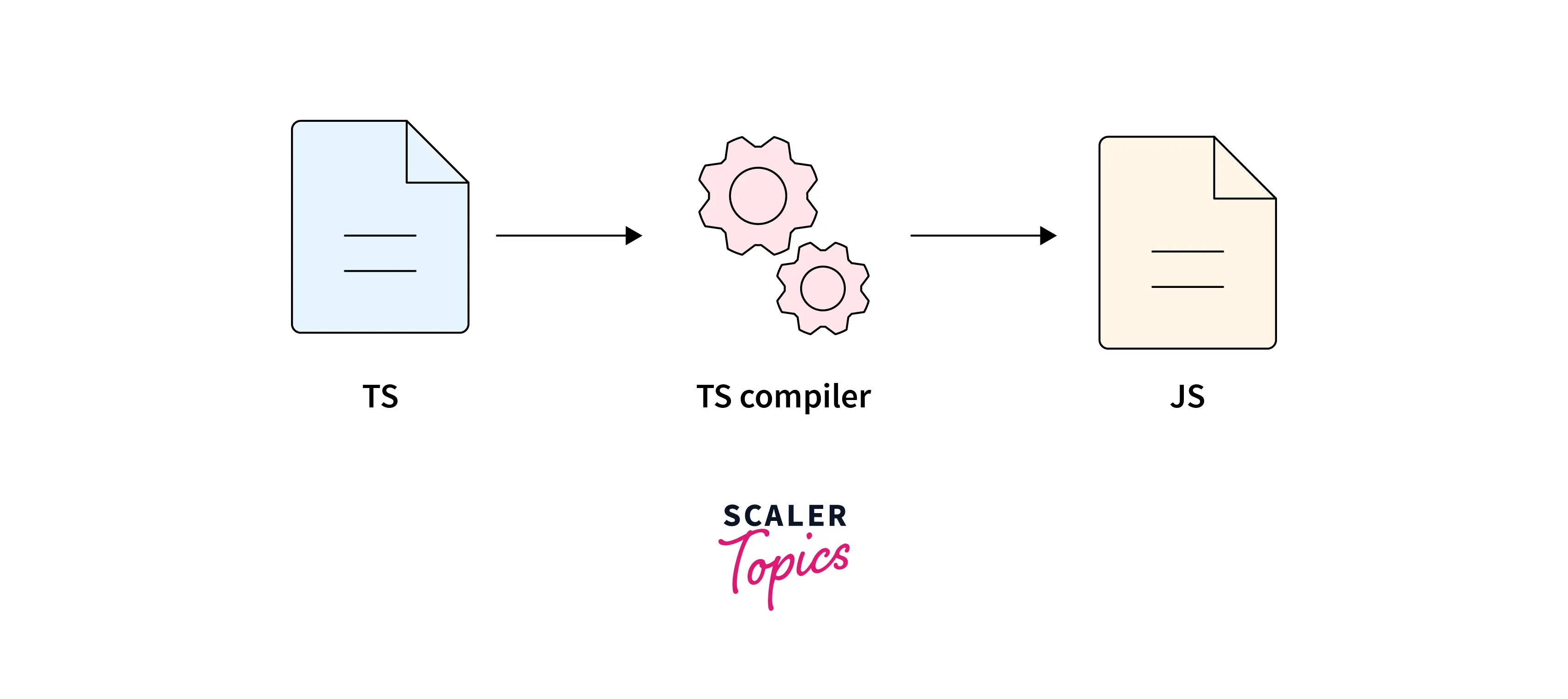
tsconfig.json.This file tells the TypeScript compiler how to compile your code and which rules to follow.
📄 What is tsconfig.json?
-
A JSON file placed at the root of your project
-
Controls:
-
Target JavaScript version
-
Strictness rules
-
Module system
-
Output folders
-
Type checking behavior
-
📌 Presence of tsconfig.json = this folder is a TypeScript project
🛠️ Create tsconfig.json
Run this command in your project folder:
This generates a default config file.
🧩 Basic tsconfig.json Example
🔑 Important compilerOptions (Most Used)
1️⃣ target
Defines JavaScript version output.
Common values:
-
ES5 (old browsers)
-
ES6 / ES2015
-
ES2020
-
ESNext
2️⃣ module
Defines module system.
Options:
-
commonjs→ Node.js -
esnext→ Modern bundlers -
amd,umd
3️⃣ rootDir
Where your TypeScript source files live.
4️⃣ outDir
Where compiled JavaScript files go.
5️⃣ strict ⭐ (Highly Recommended)
Enables all strict type-checking options.
Includes:
-
strictNullChecks -
noImplicitAny -
strictFunctionTypes -
strictBindCallApply
6️⃣ noImplicitAny
Disallows implicit any.
❌
7️⃣ strictNullChecks
Forces explicit handling of null & undefined.
8️⃣ esModuleInterop
Improves compatibility with CommonJS modules.
Used when importing libraries like Express.
9️⃣ forceConsistentCasingInFileNames
Avoids issues on case-sensitive systems.
🔟 skipLibCheck
Skips checking .d.ts files (faster builds).
📁 Include & Exclude Files
Include
Exclude
🧪 Example: Real-World Recommended Config
▶️ Compile Using Config
(TypeScript automatically reads tsconfig.json)
🔑 tsconfig.json Summary
| Option | Purpose |
|---|---|
target |
JS version |
module |
Module system |
rootDir |
Source folder |
outDir |
Output folder |
strict |
Enable strict checks |
esModuleInterop |
Import compatibility |
include |
Files to compile |
exclude |
Files to ignore |
⭐ Best Practices
✔ Always use strict: true
✔ Separate src and dist
✔ Use skipLibCheck for faster builds
✔ Commit tsconfig.json to version control

